Shipwright 构建镜像并发布到 dockerhub
目录
Shipwright是一个构建和发布工具,它是一个 Tekton 的扩展,可以用来构建镜像并发布到 dockerhub。
大多数人可能对 Jenkins 比较熟悉,而 Tekton 是一个类似的工具,但它是一个云原生的工具,它的配置是通过 yaml 文件来定义的,这样可以很好的和 gitops 结合起来。
如果 deployment 的规模比较大,可能使用 Tekton 会更好点,因为它的初始设计就是为了大规模的 CI/CD。
下面拿 GitHub 上的 hello-python 仓库做例子:构建镜像,再发布到 dockerhub。
前提条件#
- 本地已经有个 k8s 集群
- 已经有一个 dockerhub 账号
安装 shipwright#
先安装 Tekton pipeline
kubectl apply --filename https://storage.googleapis.com/tekton-releases/pipeline/previous/v0.50.5/release.yaml
安装 Shipwright
kubectl apply --filename https://github.com/shipwright-io/build/releases/download/v0.13.0/release.yaml --server-side
curl --silent --location https://raw.githubusercontent.com/shipwright-io/build/v0.13.0/hack/setup-webhook-cert.sh | bash
curl --silent --location https://raw.githubusercontent.com/shipwright-io/build/main/hack/storage-version-migration.sh | bash
安装 Shipwright build strategies
kubectl apply -f \
https://github.com/shipwright-io/build/releases/download/v0.13.0/sample-strategies.yaml
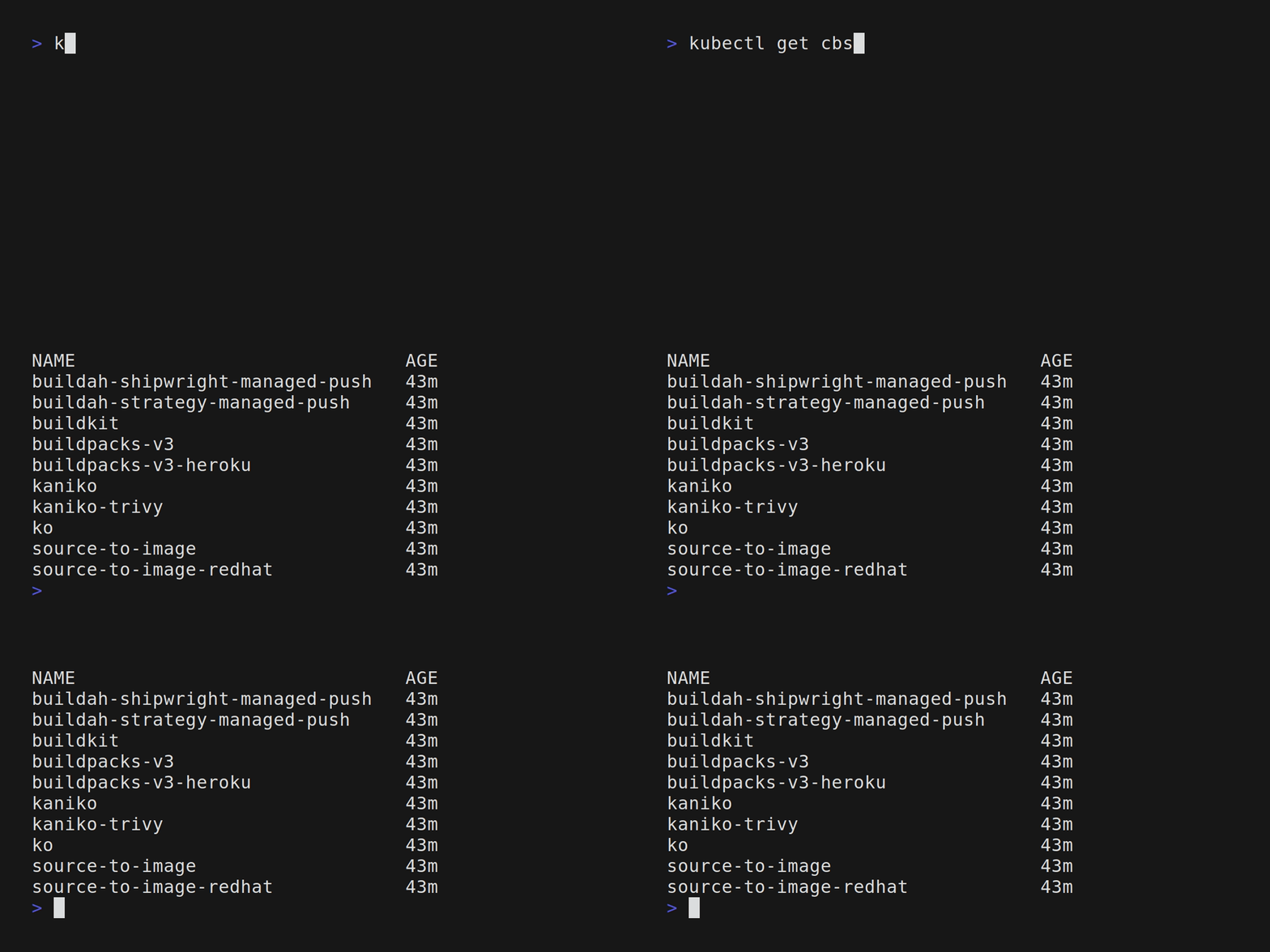
查看安装情况
构建镜像#
将 dockerhub 的 credentials 保存到 secret 中#
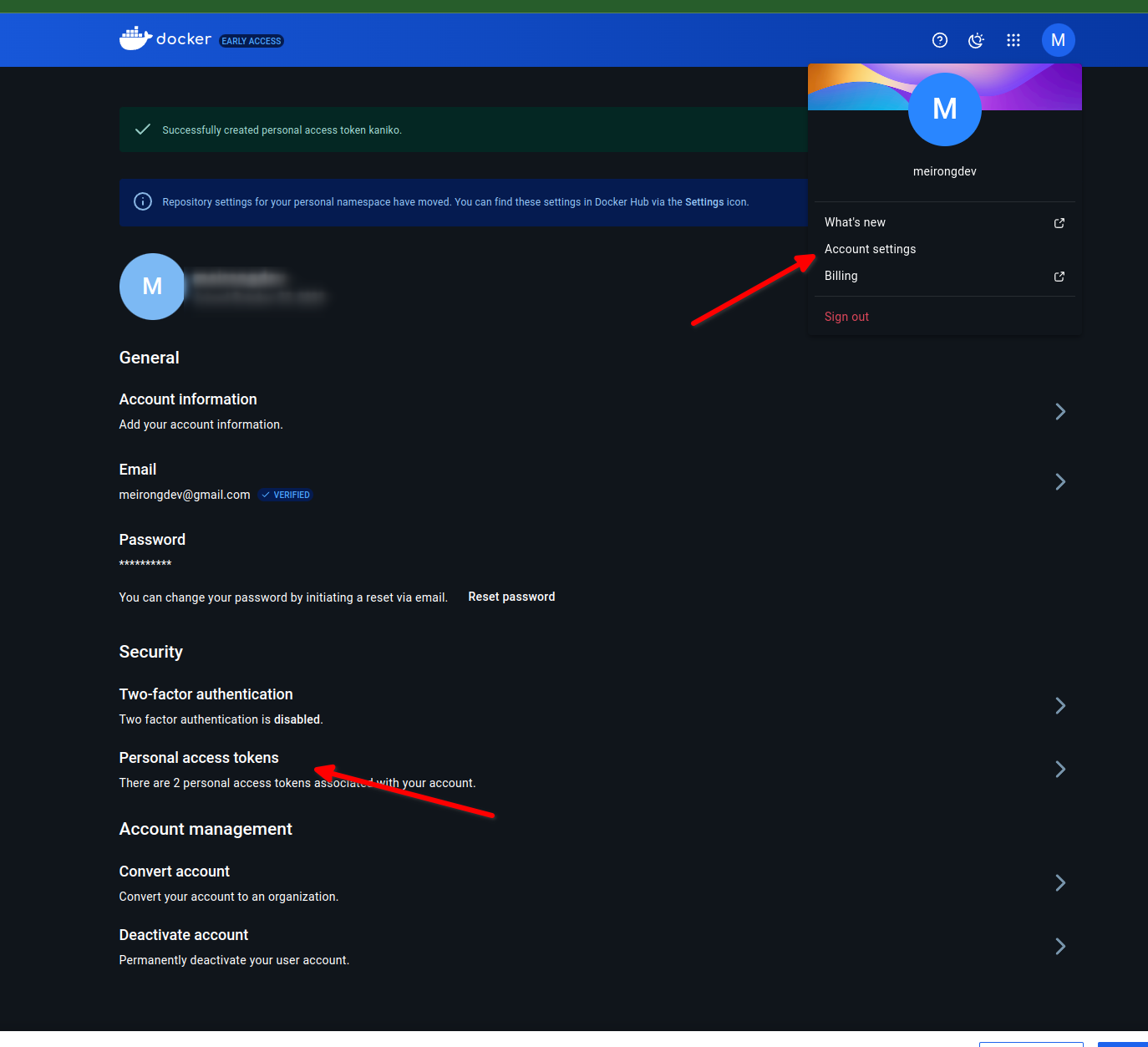
REGISTRY_SERVER=https://index.docker.io/v1/ REGISTRY_USER=meirongdev REGISTRY_PASSWORD=Dockerhub上的Personal Access Token
kubectl create secret docker-registry push-secret \
    --docker-server=$REGISTRY_SERVER \
    --docker-username=$REGISTRY_USER \
    --docker-password=$REGISTRY_PASSWORD  \
    --docker-email=[email protected]
可以通过kubectl get secret查看 secret 是否创建成功。
创建构建任务#
在 shipwright 中可以使用以下工具来创建容器镜像
- kaniko
- Cloud Native Buildpacks
- BuildKit
- Buildah
这里我们使用 kaniko 来构建镜像。
apiVersion: shipwright.io/v1beta1
kind: Build
metadata:
  name: kaniko-py-build
spec:
  source:
    type: Git
    git:
      url: https://github.com/meirongdev/hello_python
    contextDir: ./
  strategy:
    name: kaniko
    kind: ClusterBuildStrategy
  output:
    image: docker.io/meirongdev/hello-py:latest
    pushSecret: push-secret
kubectl apply -f ./build-kaniko.yaml
kubectl get builds
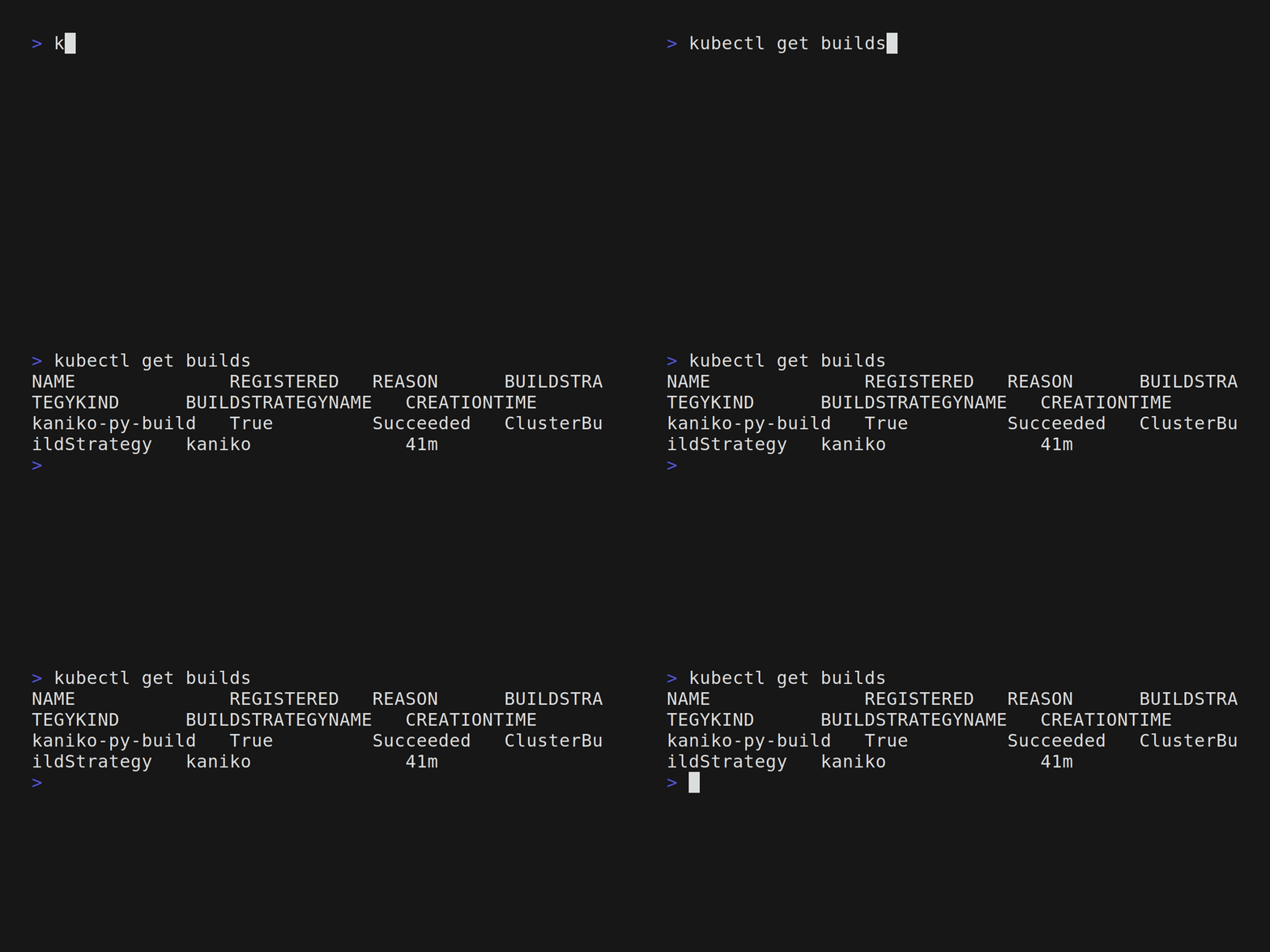
可以看到该Build任务是注册成功了,接下来就需要执行这个任务。需要BuildRun来执行Build任务。
apiVersion: shipwright.io/v1beta1
kind: BuildRun
metadata:
  generateName: kaniko-py-buildrun-
spec:
  build:
    name: kaniko-py-build
kubectl create -f ./buildrun-kaniko.yaml
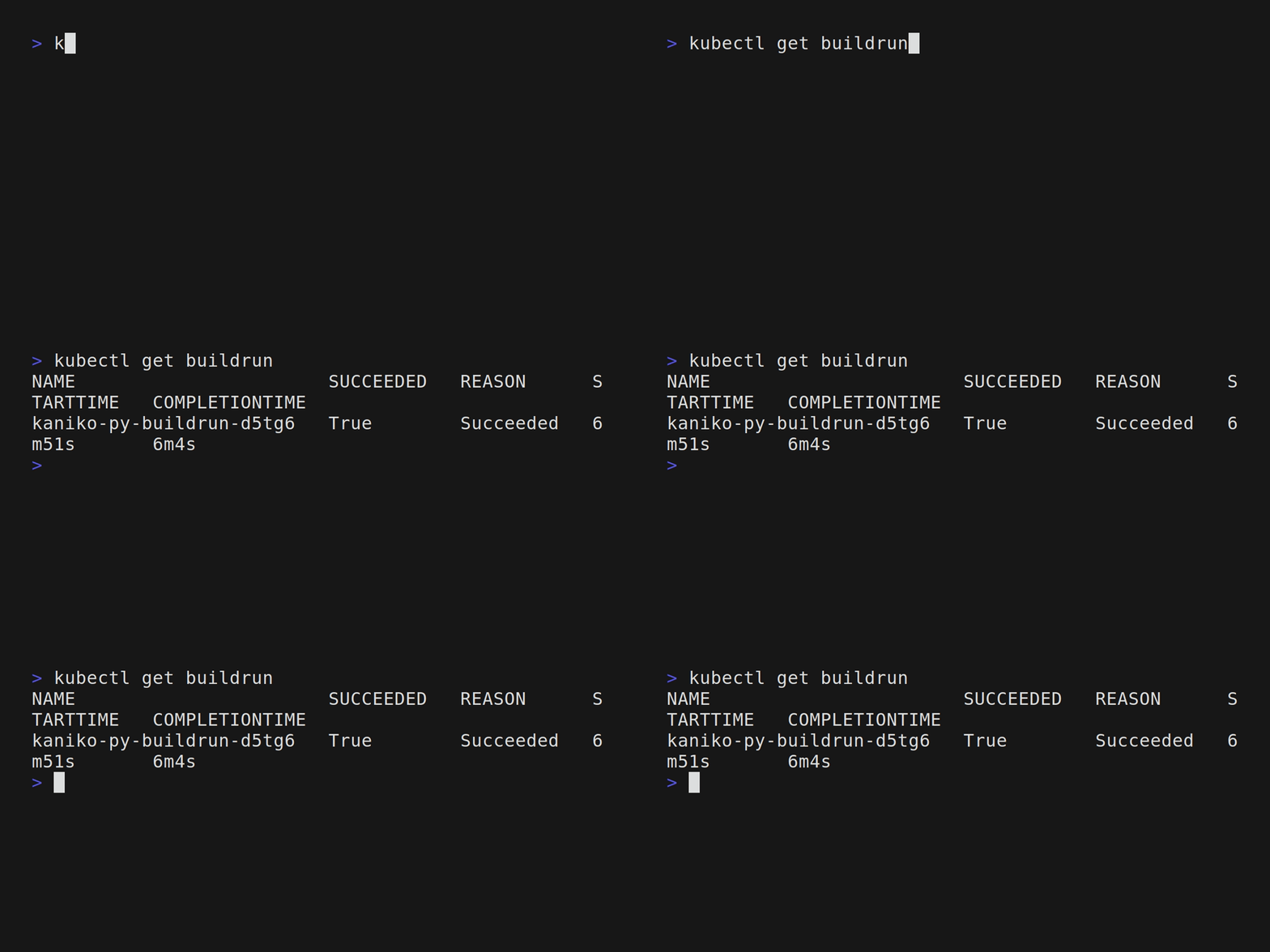
此时可以在 dockerhub 上看到镜像已经构建成功了。
相关代码#
Read other posts